Nitro Retopo: a different way to rework dense meshes
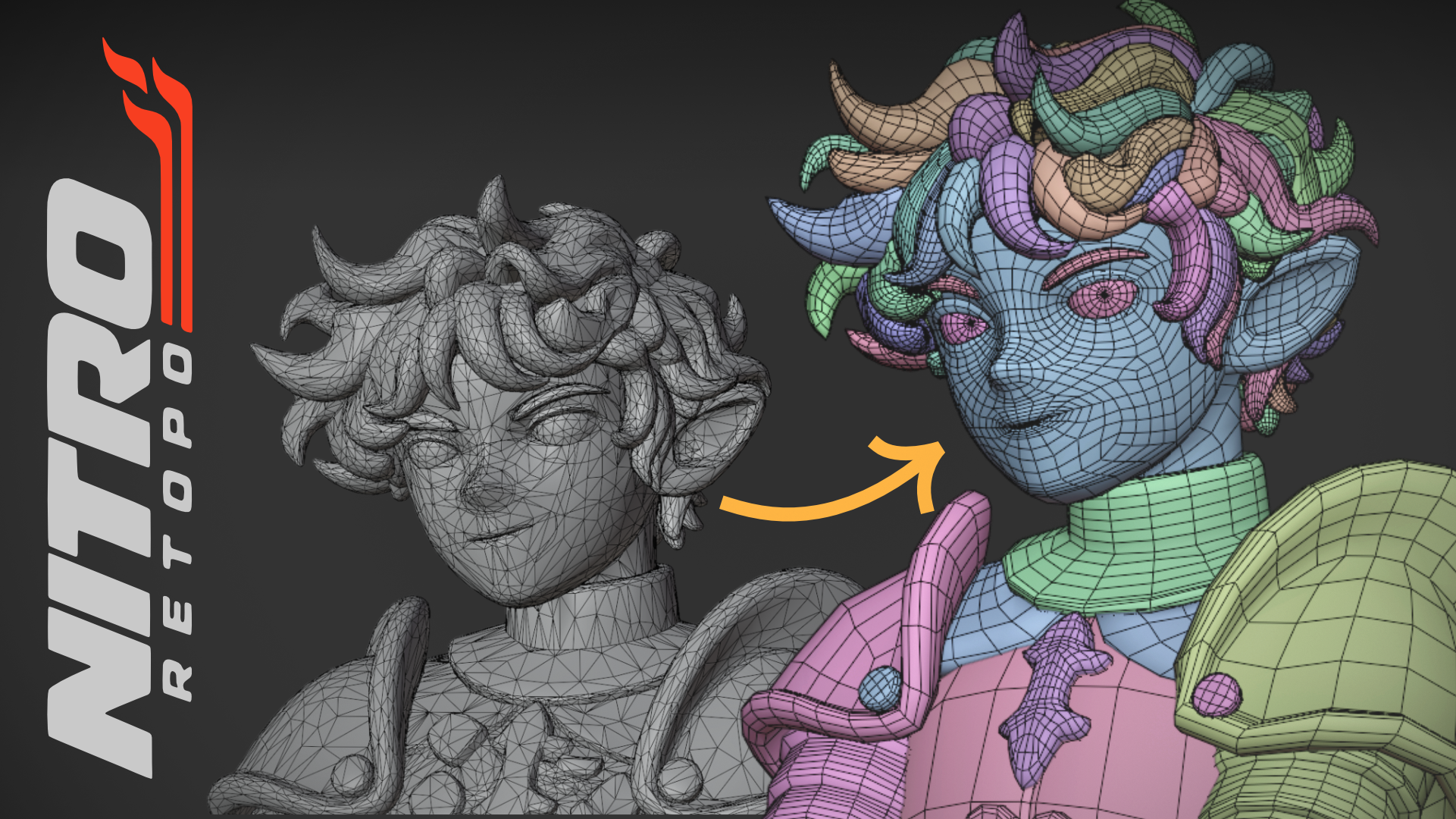
I’ve been turning some long-standing needs from my work as a 3D character artist into a Blender addon. Nitro Retopo lets me separate parts of a dense mesh, repair them and draw new topology.
The idea is simple: keep working on a shape I like, even when its geometry is difficult to edit. It works with dense meshes from sculpting, 3D scans and AI generation.
Watch the tutorial
This short tutorial walks through the Nitro Retopo workflow in Blender.
Draw the regions, choose the flow
I draw boundaries directly on the surface to divide it into patches. Curves, straight lines and freehand strokes let me describe the parts I want to work on.
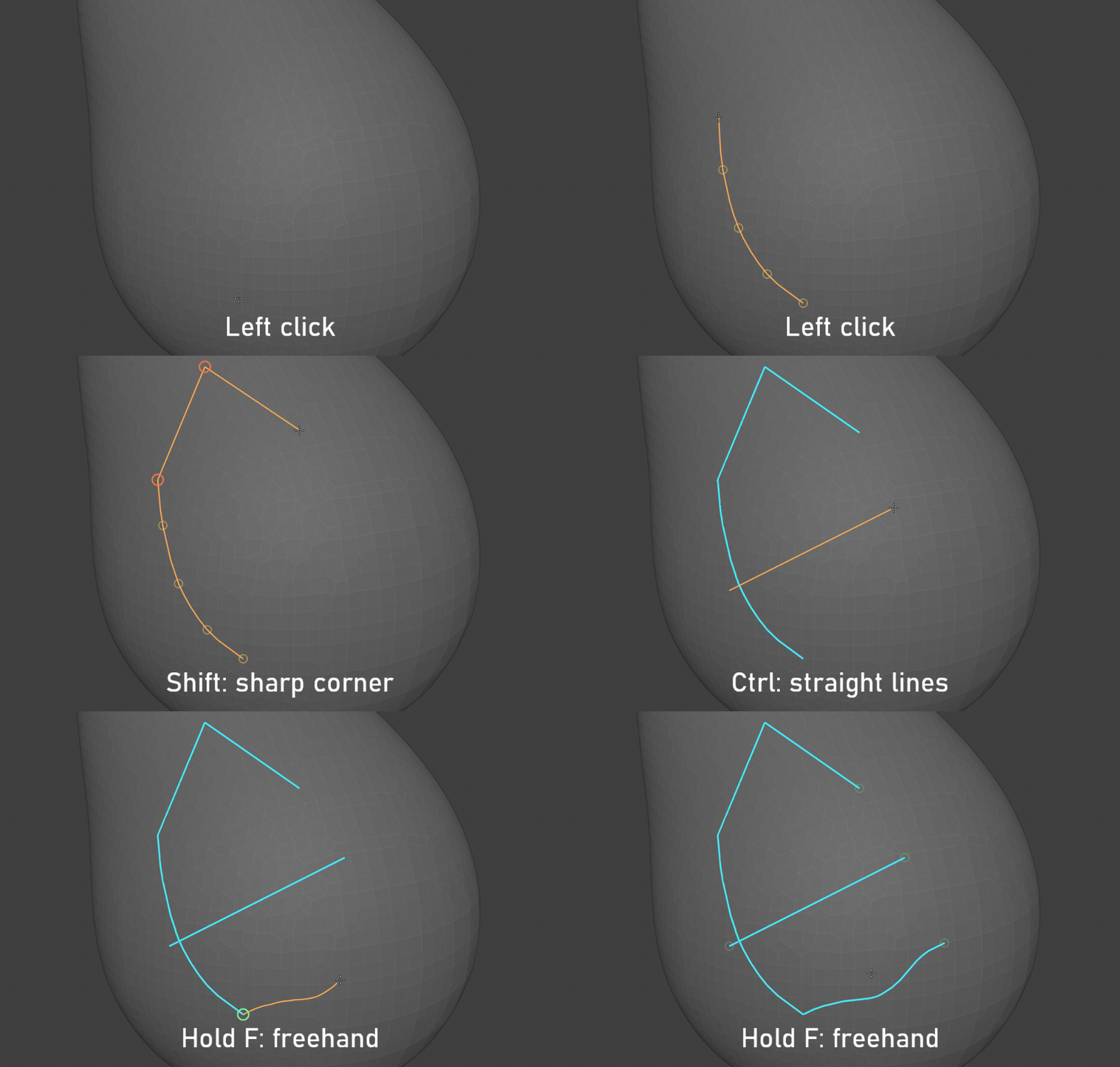
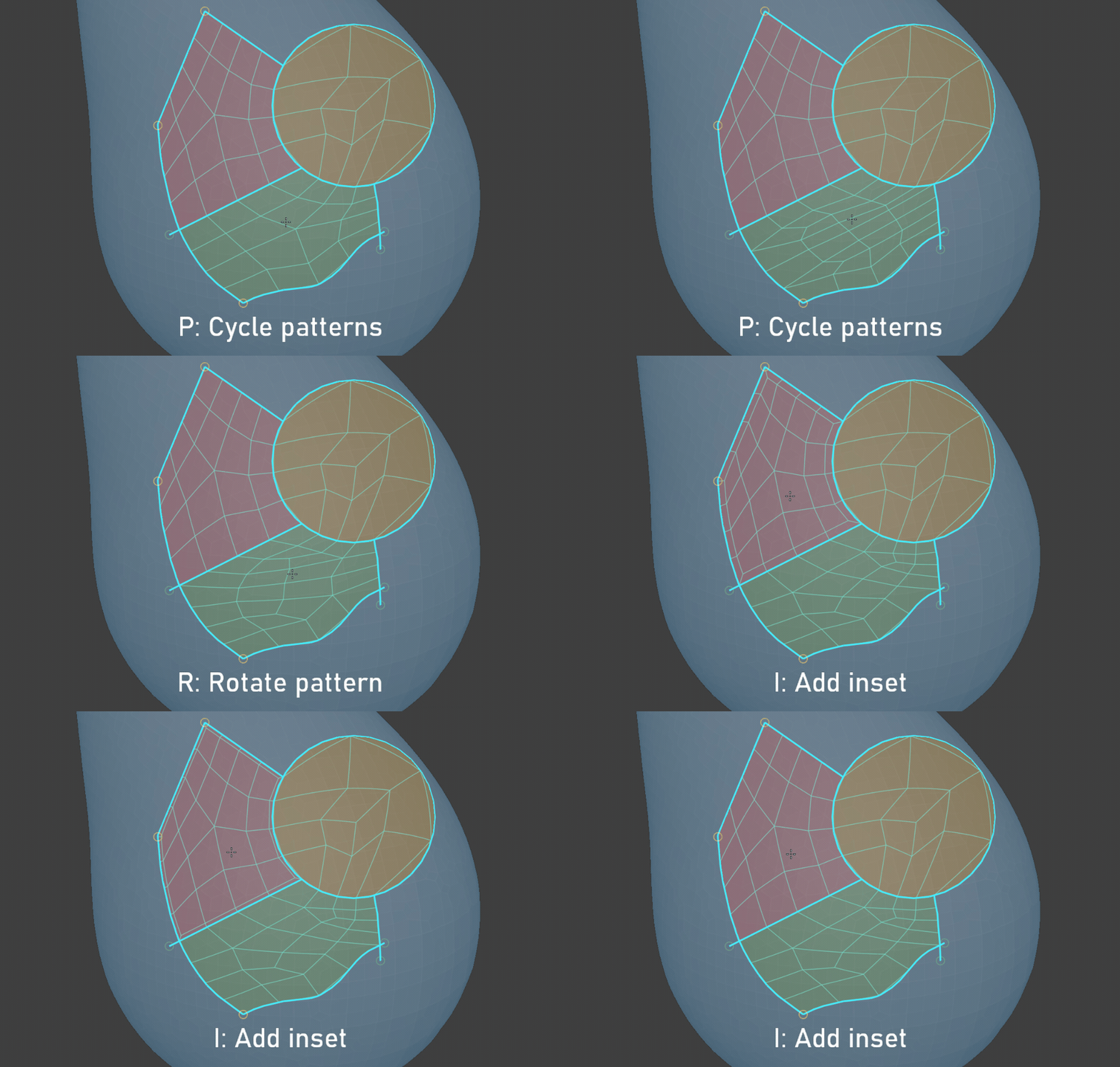
From there, I can separate pieces, fill openings or bridge boundaries. For retopology, I choose the corners and explore different patch layouts and orientations. A few strokes define whole regions while I keep control over the result.
Trying it on a character
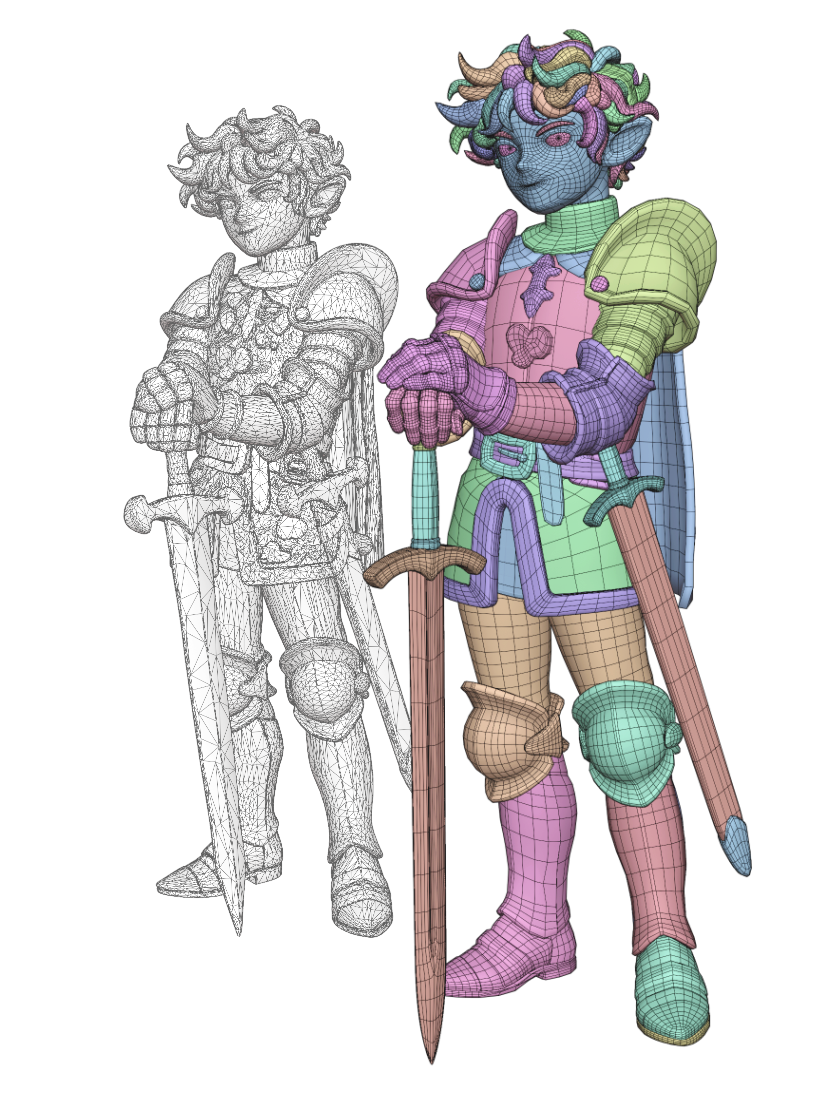
I’ve been using Nitro Retopo on this AI-generated knight, working on individual parts down to separate hair strands. Here is the full character before and after, with its topology visible.
I developed the addon with substantial help from AI coding tools, shaping and testing the workflow through my own 3D work. Further editing depends on the model and what I want to use it for.
Available for Blender 5.2 and newer. The product page has the full tool overview and installation guide.
In the press
Nitro Retopo has been featured in these articles:
- 80 Level: Blender Retopology Tool For Dense Meshes, Scans & Sculpts (English, October 7, 2026)
- ModelingTechNote: an overview of Nitro Retopo’s tools and workflow (Japanese, October 5, 2026)
- CGbox: an introduction to Nitro Retopo (Japanese, October 2, 2026)
CGbox and ModelingTechNote are SuperHive affiliates.