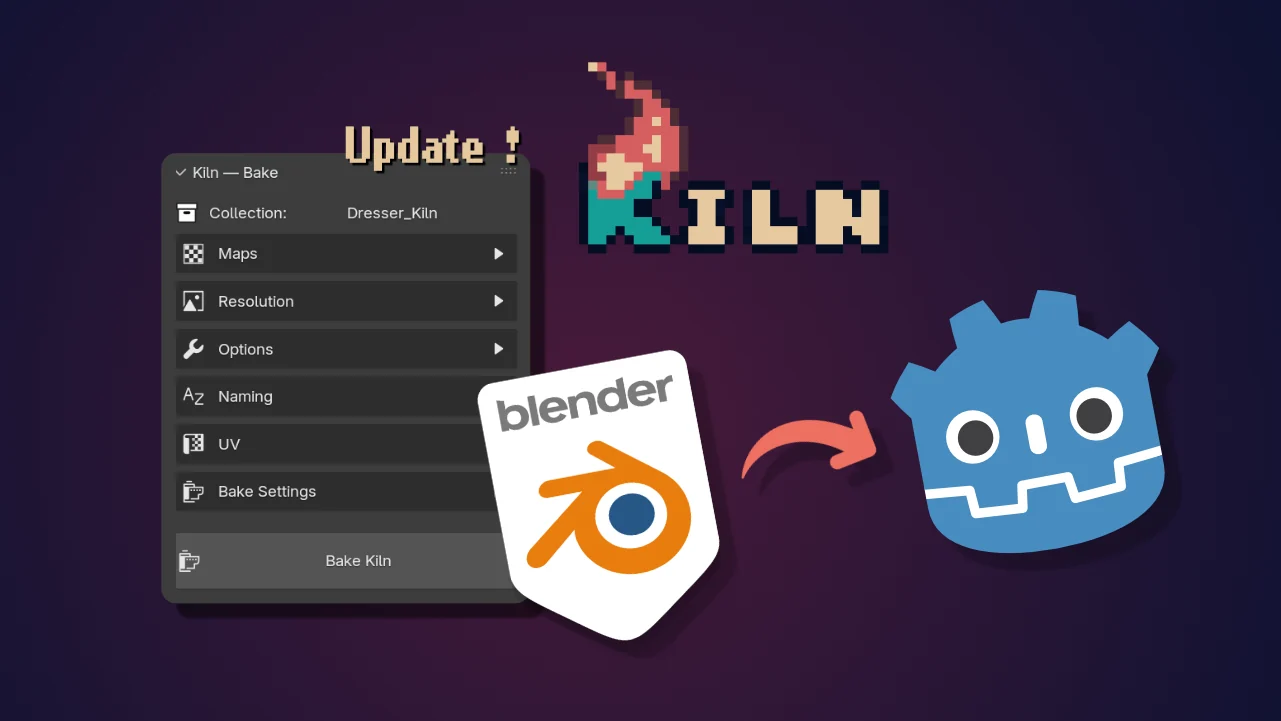
Kiln
A Blender addon that bakes procedural materials into export-ready texture sets for GLB/GLTF pipelines.
Kiln is a Blender addon for baking procedural Principled BSDF materials into export-ready texture sets.
I built it for my own Godot work. The problem was simple: procedural Blender materials look great in Blender, then the node tree disappears when you export to GLB. Every iteration meant unwrapping UVs, baking maps, renaming images, rebuilding a simplified material, and checking the result in the engine.
Kiln handles that boring part.
What Kiln Does
Select a source collection, choose the maps you want, then click Bake Kiln.
Kiln creates a separate [YourCollection]_Kiln collection with baked PBR materials. Your source collection is never modified, so you can rebake when the material changes and keep the export settings on the _Kiln collection between passes.
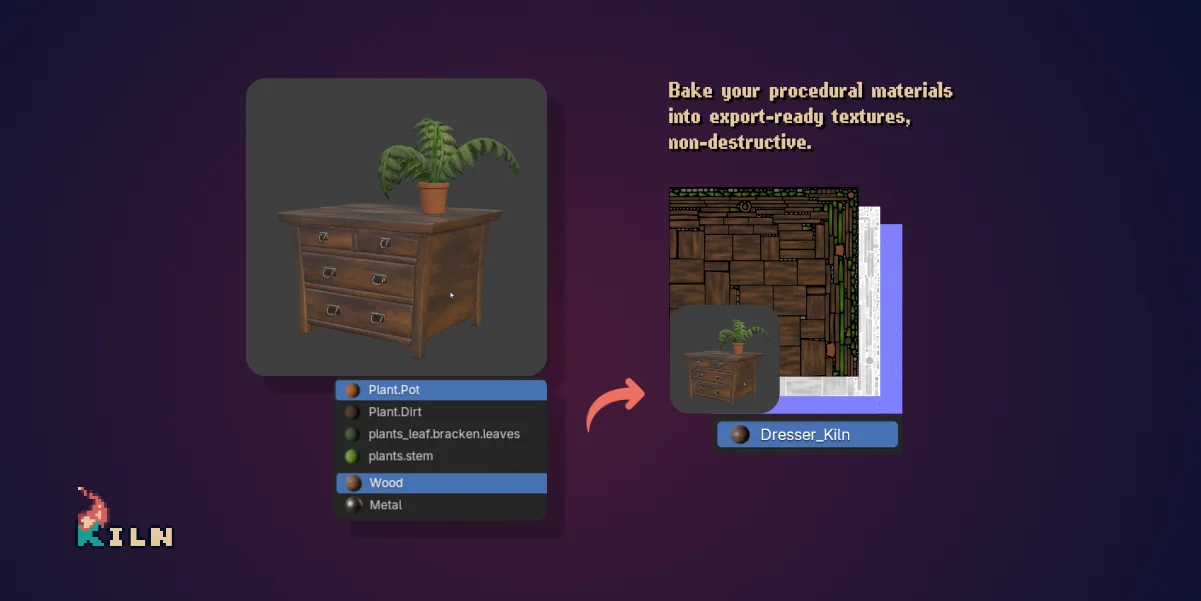
The output is meant for GLB/GLTF pipelines: Godot, Unity, web builds, or any workflow where the final asset needs image textures instead of a procedural node tree.
The Basic Workflow
- Select your source collection.
- Pick which maps to bake: Color, Roughness, Metallic, Normal, Alpha.
- Set resolution per map, from 128px to 4096px.
- Click Bake Kiln.
- Export the
_Kilncollection with Blender’s native GLB/GLTF exporter.
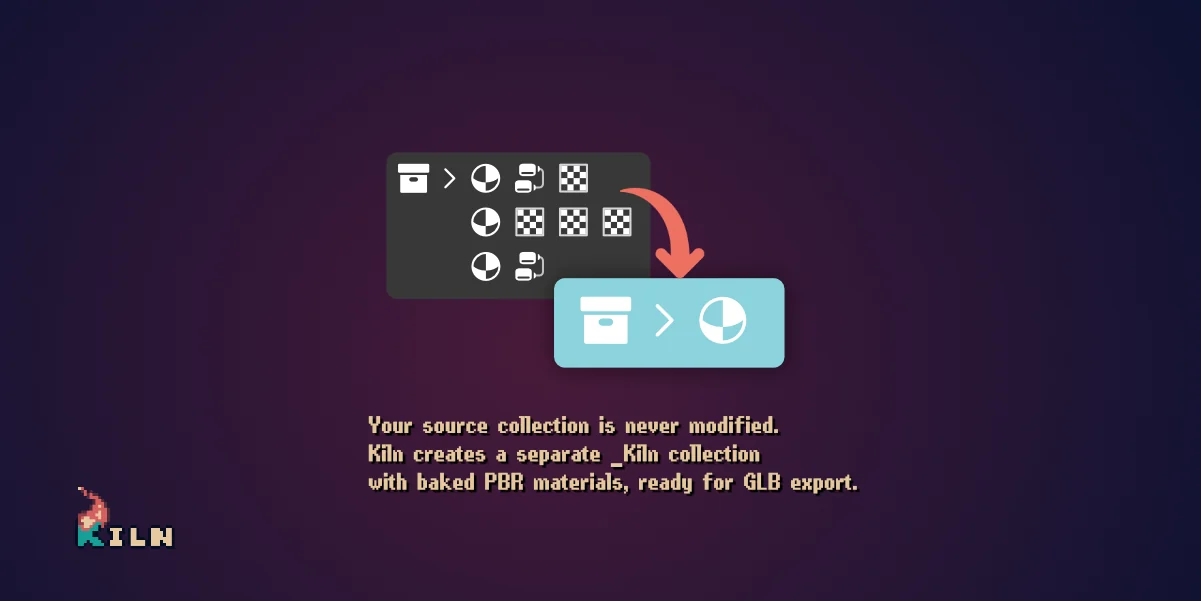
I kept GLB export outside the addon on purpose. Blender already has a solid exporter, and Kiln’s job is to make sure the collection you send to it is clean.
Materials, UVs and validation
Kiln works with Principled BSDF materials. Other shader setups are detected and reported, but not baked.
The main bake panel keeps the common decisions in one place: map selection, per-map resolution, bake options, naming, UV settings, bake status and validation.
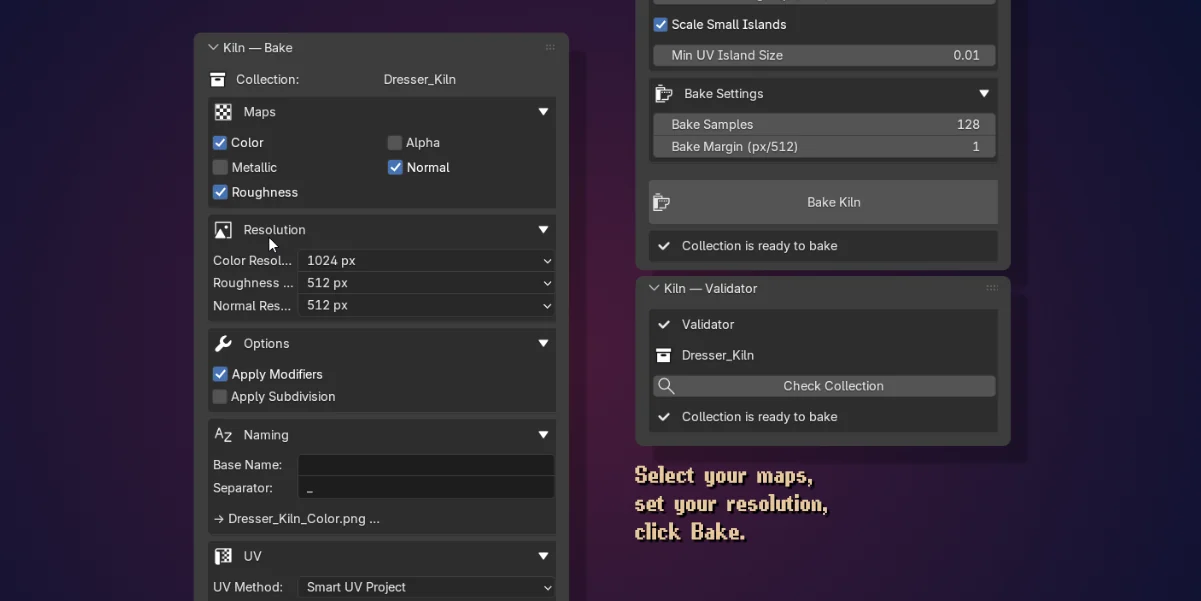
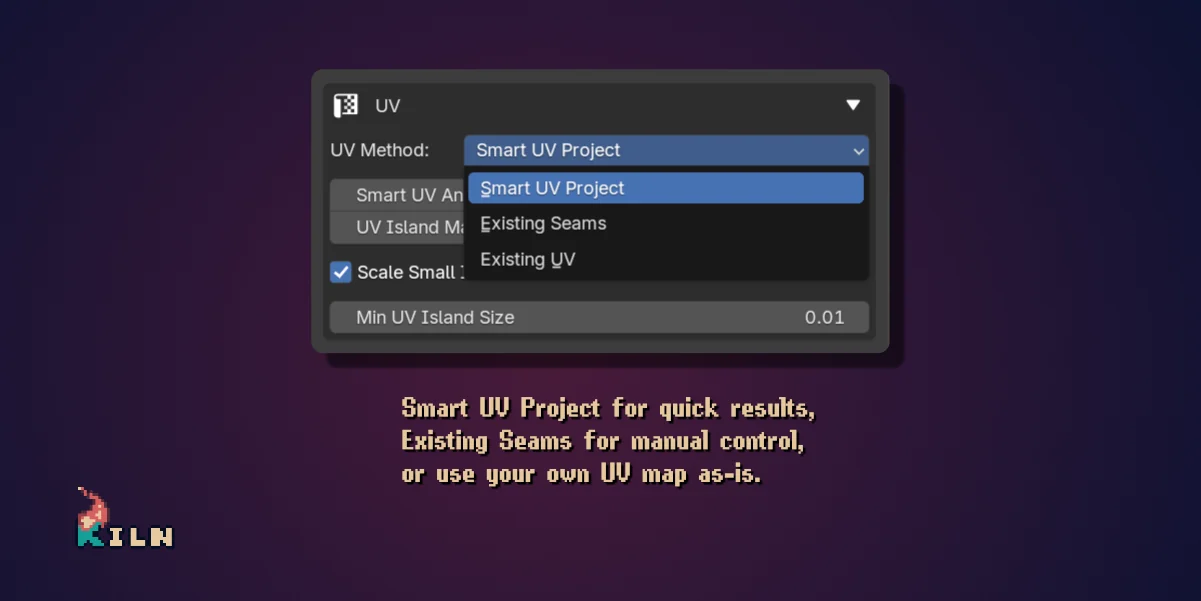
For UVs, there are three modes:
- Smart UV Project for quick automatic unwraps.
- Existing Seams when you already marked the useful cuts.
- Existing UV when you want Kiln to use your own UV map as-is.
The validator checks the source collection before you bake: unapplied transforms, missing materials, non-Principled shaders, and the usual little problems that only become annoying after export.
Split Bake
Kiln 0.3 added the feature people kept asking for: Split Bake.
Before, one collection produced one baked material and one texture set. Now you can split a single bake into several texture sets in one pass:
- By Material - one set per unique material name.
- By Material Index - one set per material slot, useful for some Geometry Nodes setups.
- By Object - one set per object in the collection.
- By Mesh Island - connected mesh islands are grouped into a chosen number of sets, balanced by area.
- By UDIM - one set per existing UDIM tile.
Each group becomes a separate mesh in the _Kiln collection, with its own material, UVs, and images. The engine side stays clean.
The same update also added Image Filter options for baked image nodes and a Bake Preview that shows how many textures Kiln will generate before you start the bake.
Demo
This video shows the original workflow, from procedural Blender materials to a GLB imported in Godot.
Availability
Kiln is available on SuperHive for $12, with installation and updates available directly through Blender’s extension system.
Notes
Kiln is an evolution of UniMat, an earlier experiment around the same problem. UniMat proved the workflow was useful, but its architecture was too fragile. Kiln is the rebuilt, published version.
I also use it in my own game pipeline, including Orb of Avarice, Ashenmoor - KESH takes shape and Bordeciel.
The public release thread and update notes are on Blender Artists.